Quick Answer
Looking for an ATM in Gangnam for a foreign card? Do not start with the first ATM pin you see on a map.
This guide gives you verified Global ATM options around Gangnam Station. Open the walking route for each location, compare the time from your current location, and choose the route that works for you.
Important: an official Global ATM listing helps confirm that the location is intended for international or foreign-card use. It does not guarantee that every foreign-issued card or every transaction will be accepted.
Your route: find your current area → compare verified Global ATMs → check walking time → choose → walk → check the actual ATM → withdraw Korean won.
Table of Contents
Do You Actually Need Cash in Gangnam?
If your next shop, restaurant or service accepts your card, you may not need to stop for cash now.
If you do need Korean won, continue with the location steps below. The goal is not to find every ATM around Gangnam. It is to find a suitable Global ATM without wasting time walking to random machines.
Keep another usable payment method with you when possible. A Global ATM listing does not mean your individual card is guaranteed to complete a withdrawal.
Travelers Wish They Knew This Before Looking for an ATM in Gangnam
Start with an ATM that the bank officially identifies as a Global ATM or foreign-card ATM. Then use your current location to decide which verified option is easier to reach.
Choose by your current location, not by the order on this page.
Gangnam Station is close to the Gangnam-gu and Seocho-gu boundary. Do not reject a useful ATM only because its official address says Seocho-gu instead of Gangnam-gu.
Quick Navigation
1. Find Your Gangnam Station Area
2. Compare Verified Global ATMs
3. Walk to the Global ATM
4. Check the ATM Before Using Your Card
5. Withdraw Korean Won
6. If the ATM Does Not Work
7. Final Check Before You Leave
1. Find Your Gangnam Station Area
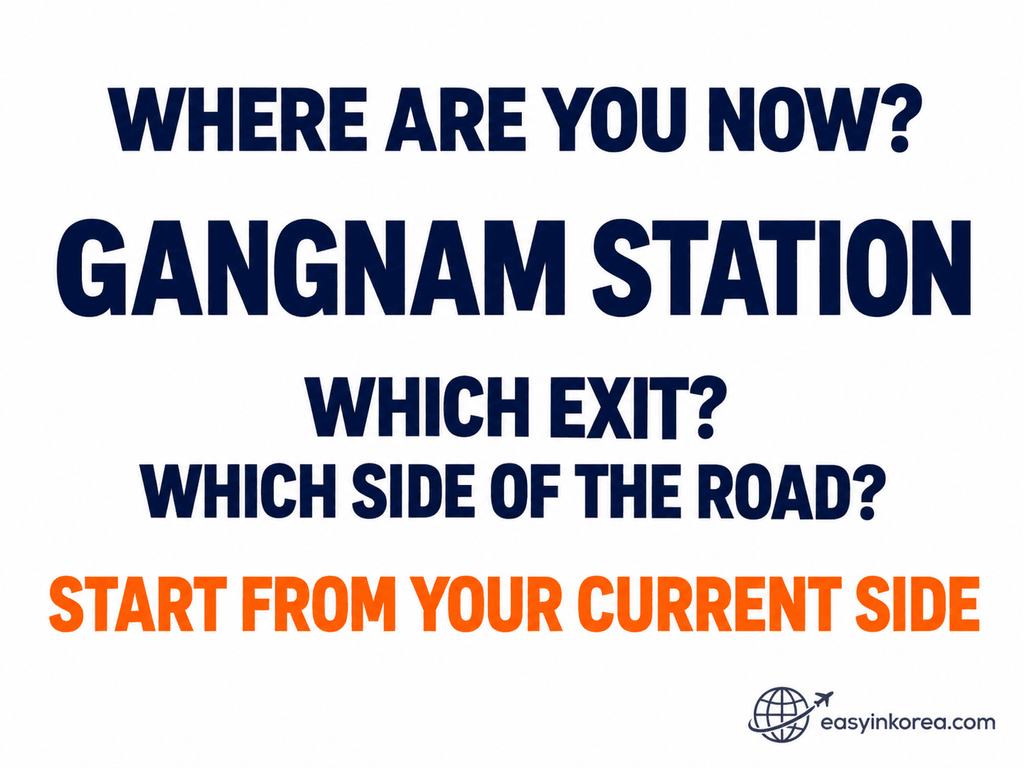
Now use that location as your starting point. The next step is to compare officially listed Global ATM options around Gangnam Station instead of choosing a random nearby ATM pin.
First, check your current location around Gangnam Station. If you are inside the station, identify your exit before choosing an ATM.
If you are already outside, check which side of the main road you are on. A location that looks close on a map may require a different crossing or walking route.
You do not need to calculate the route yourself. Open the walking links below and let Google Maps use your current location as the starting point.
2. Compare Verified Global ATMs Near Gangnam Station
Hana Bank — GANGNAM STATION
Address: 405 Gangnam-daero, Seocho-gu, Seoul
Hana Bank’s official Global ATM search lists GANGNAM STATION as a 365 Corner Global ATM under its foreign-card Global ATM search.
Official phone: 02-534-0312
Use your current location as the starting point. The official Global ATM listing does not guarantee that every foreign-issued card will be accepted.
Hana Bank — Gangnam-yeok Banking Center
Address: 381 Gangnam-daero, Seocho-gu, Seoul
Hana Bank’s official Global ATM search lists Gangnam-yeok Banking Center as a 365 Corner Global ATM under its foreign-card Global ATM search.
Official phone: 02-598-1111
Compare this route with the other verified options before you start walking.
Woori Bank — TEHERANNO BANKING CENTER
Address: 124 Teheran-ro, Gangnam-gu, Seoul
Woori Bank’s official Global ATM search lists TEHERANNO BANKING CENTER at 124 Teheran-ro as a Global ATM location in Gangnam-gu.
Map check: Google Maps may show a different branch name. Confirm the destination address is 124 Teheran-ro, Gangnam-gu, Seoul.
Google Maps is used for navigation. Woori Bank’s official Global ATM search is the evidence that the location at this address is listed as a Global ATM.
Open each route, compare the walking time and distance from where you are now, and choose the easiest route for you.
Can You Use ATMs at Other Banks?
Yes! You can also use ATMs at other banks in Korea. You do not have to use only Woori Bank or Hana Bank.
Look for an ATM marked Global ATM or International Cards.
Check for your card logo, such as Visa, PLUS, Mastercard, Maestro, Cirrus, JCB, or UnionPay. If the ATM supports your card network, you can try withdrawing Korean won.
Why do we show Woori Bank and Hana Bank? Their official Global ATM searches help us find specific locations and give you Google Maps walking directions.
Just check the walking time from where you are and choose the route that works for you.
3. Walk to the Global ATM
Tap CHECK WALKING TIME → for the ATM you want to try.
Google Maps can use your current location to show the walking route, distance and estimated time. Follow that live route rather than a fixed walking estimate written in this article.
When you arrive, match the bank name and location before using the machine.
Google Maps helps you navigate. The bank’s official ATM information is what confirms the Global ATM classification.
4. Check the ATM Before You Use Your Foreign Card
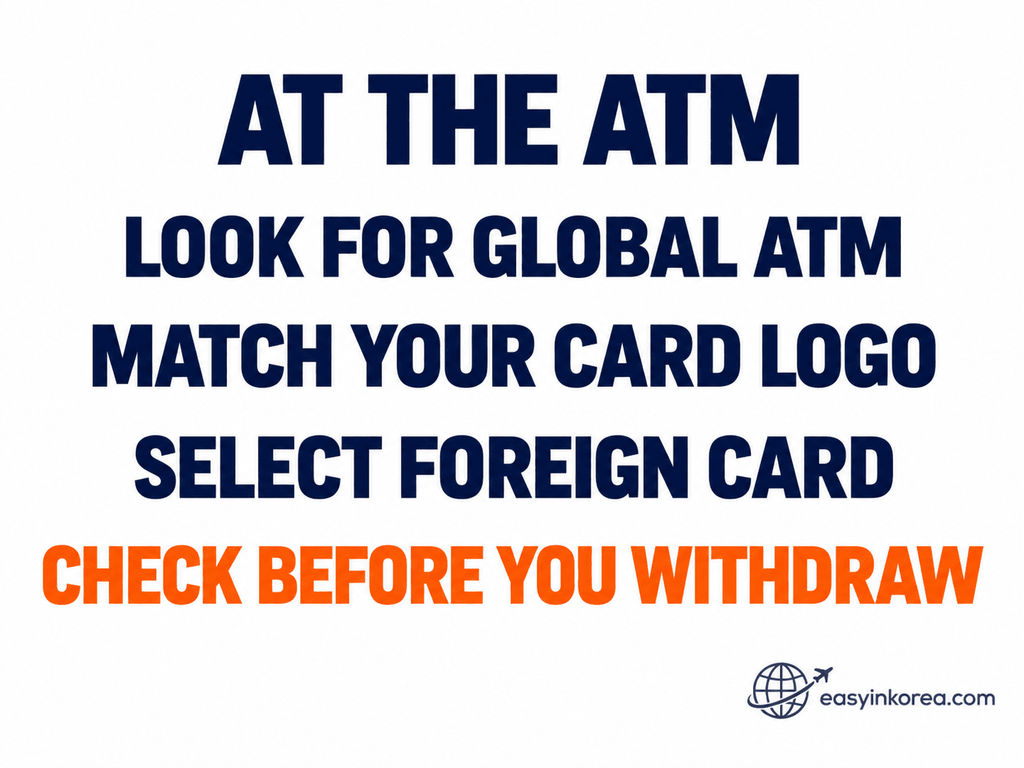
If the machine gives you a suitable foreign-card route, move to the transaction screen carefully. Your next decision is whether the withdrawal amount, fee and other terms shown for this transaction are acceptable before you confirm.
Look for Global ATM or foreign-card information on the actual machine or screen.
If card-network logos are displayed, check whether your card network appears. Then look for an English or foreign-card transaction option if the machine provides one.
A Visa, Mastercard or other network logo is useful information, but it is not a guarantee that your individual transaction will be approved.
The bank’s official database verifies the ATM classification. The actual machine, your card network and your card issuer determine whether your transaction can continue.
5. Withdraw Korean Won
Choose the foreign or overseas card option if the ATM shows one, then select Withdrawal.
Enter the amount you want in Korean won. Read any fee or currency-conversion information shown on the screen before confirming the transaction.
Fees, limits and available transaction options can vary by ATM, bank, card network and card issuer. Use the information shown for your actual transaction instead of assuming a fixed fee from another ATM.
After the withdrawal, take your card, cash and receipt before you leave the machine.
6. If the ATM Does Not Work
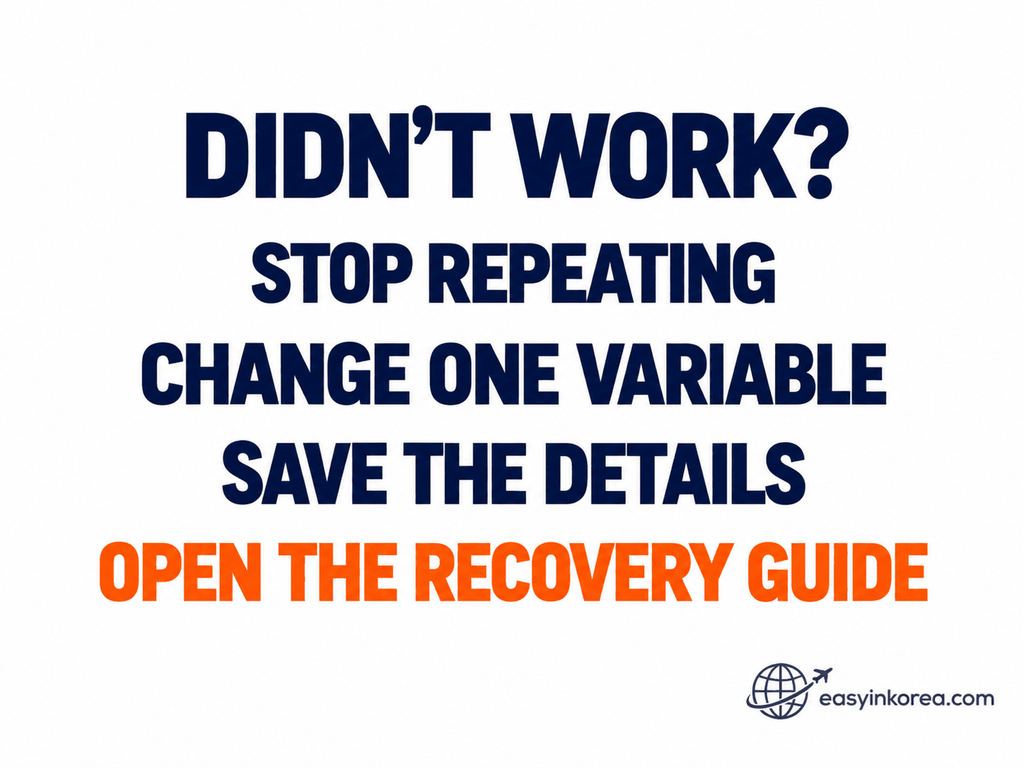
What you do next depends on the failure, not just the ATM location. If you need the full decision path for a declined card, missing cash or a transaction that appears on your account, continue with the dedicated ATM recovery guide.
Do not keep repeating the same failed transaction without checking what happened.
If your card was simply declined, change one variable. You can try another verified Global ATM, another card, or check with your card issuer.
If your account was charged but the ATM did not give you cash, save the ATM location, bank or operator name, time, amount, receipt and any error message you can see.
For the full recovery steps, use the Easy in Korea guide:
Need Help Finding or Using the ATM?
You Cannot Find the ATM
Reopen the walking route and check the destination address. Match the bank name and official location before looking for the actual ATM.
If you are on the wrong side of the road or near the wrong Gangnam Station exit, return to the map and recalculate the walking route from your current position.
You Found the ATM, but the Transaction Failed
This is no longer a navigation problem. Check the ATM message, your card network and your card issuer, or move to another verified Global ATM.
If money was deducted without cash being dispensed, save the transaction details and use the recovery guide instead of repeatedly trying the same withdrawal.
7. Final Check Before You Leave
CARD — Make sure you took your card.
CASH — Make sure you took all the cash dispensed by the ATM.
AMOUNT — Check that the amount matches the withdrawal you requested.
RECEIPT — Keep the receipt if you may need to check the transaction later.
Once everything is correct, you are ready to continue your Gangnam trip.
Official Sources and Evidence
Hana Bank — Official Location Search
Hana Bank’s official English location search provides branch and CD/ATM information. The Global ATM search can be filtered for GLOBAL ATM (Foreign Card Only).
Check Hana Bank Official Locations →
Woori Bank — Official Global ATM Search
Woori Bank’s official Global ATM search identifies listed Global ATM locations and distinguishes categories such as Inside branch and Independent from branch.
Check Woori Bank Global ATMs →
Google Maps — Navigation
Google Maps is used here to help you navigate from your current location and compare walking routes. A map listing by itself is not evidence that an ATM is a Global ATM or that your foreign card will work.
Your Actual ATM and Card
The final transaction still depends on the actual ATM, card network, card issuer and transaction conditions shown when you use the machine.
Conclusion
If you need an ATM in Gangnam for a foreign card, start with an officially listed Global ATM instead of choosing a random nearby ATM.
Then let your current location decide which verified option is easiest to reach. Open the walking routes, compare the time and distance, and choose for yourself.
When you arrive, check the actual ATM and your card before confirming the withdrawal.
VERIFY → COMPARE → CHOOSE → WALK → CHECK → WITHDRAW
If the transaction fails, switch from navigation to recovery instead of repeating the same action.
Related Guides
Foreign card declined, no cash came out, or something went wrong? Check what to do next.
FIX THE ATM PROBLEM →Need cash in Myeongdong? Find an ATM location and choose your next walking route.
FIND AN ATM IN MYEONGDONG →Need cash in Hongdae? Find an ATM location and compare your walking options.
FIND AN ATM IN HONGDAE →Need cash at Seoul Station? Find an ATM option before continuing your journey.
FIND AN ATM AT SEOUL STATION →Need help with another Korea travel problem? Find the guide that matches what you need to do next.
EXPLORE RELATED GUIDES →