Quick Answer
If you need an ATM in Myeongdong, do not choose a machine only because you recognize the bank name.
This guide gives you three places to check in or near central Myeongdong: a clearly identified Shinhan Bank ATM, Woori Bank Myeongdong Financial Center, and Hana Bank Headquarters at 35 Eulji-ro.
When you arrive, check the actual machine for a Global ATM, Foreign Card, or compatible international card-network mark before inserting your card.
Foreign-card acceptance can still depend on the individual ATM, your card network, your card issuer and your overseas-withdrawal settings.
Table of Contents
Travelers Wish They Knew This Before Looking for an ATM
Before searching for cash, identify the part of Myeongdong you are standing in. The next step becomes much easier once you have a familiar reference point.
You do not need to stay at that landmark or use it as a fixed starting point.
Once you know roughly where you are, continue below and choose the ATM or bank location that makes sense from where you are standing.
The important check comes when you reach the machine: confirm that the ATM shows foreign-card or compatible international card-network support before starting the withdrawal.
The useful question is not only, “Where is an ATM?”
Ask: “Which ATM can I reach now, and what should I check before I try my card?”
An English-language screen alone does not prove foreign-card support. Check the machine itself before starting the withdrawal.
1. Recognize Where You Are in Myeongdong
Standing in front of the ATM? Check these three clues before you use your foreign-issued card.
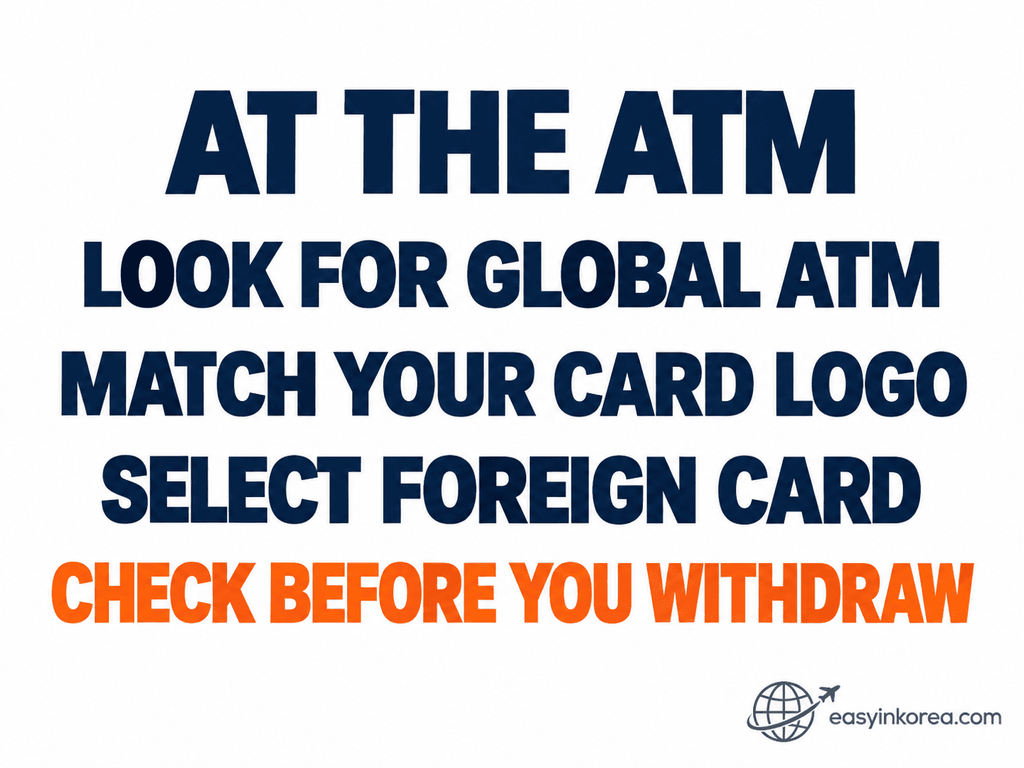
These checks help you decide whether an ATM is worth trying, but they do not guarantee that every foreign-issued card will work.
Your next step is location-specific: compare the Myeongdong options below, choose the one that makes sense from where you are standing, and open its walking directions.
2. Choose an ATM to Try
A bank name or an English-language screen is not enough to confirm that your foreign-issued card will work.
The three locations below give you practical places to check in or near central Myeongdong. They do not have the same verification level: Shinhan is identified as a specific ATM destination, while the Woori and Hana options below are bank locations where you should check the actual ATM.
If foreign-card or international card-network information is not clear on the machine, do not assume compatibility.
Option 1 — Shinhan Bank ATM Myeongdong Financial Center
Korean name:
신한은행 ATM 명동금융센터 점두365
Address:
43 Myeongdong-gil, Jung-gu, Seoul
This location is identified as a separate ATM destination in Google Maps rather than only as a general bank location.
Important: The ATM location can be identified, but that does not guarantee that your foreign-issued card will work.
Check the actual machine for a Global ATM, Foreign Card, or compatible international card-network mark before you start.
Option 2 — Woori Bank Myeongdong Financial Center
Korean name:
우리은행 명동금융센터
Address:
42 Myeongdong-gil, Jung-gu, Seoul
This Woori Bank financial center is on Myeongdong-gil, giving you another bank location to check when you need cash nearby.
The bank location itself does not prove that every ATM there currently supports foreign-issued cards.
When you arrive, check the actual machine for Global ATM, foreign-card, or compatible international card-network information before using your card.
If bank staff are available and you are not sure which machine to use, ask before starting the withdrawal.
Option 3 — Hana Bank Headquarters
Korean name:
하나은행 본점
Address:
35 Eulji-ro, Jung-gu, Seoul
Hana Bank Headquarters is on Euljiro, near the northern side of the Myeongdong area.
Hana Bank officially provides Global ATM services for overseas cards carrying supported international card-network logos.
However, reaching Hana Bank Headquarters does not guarantee that every ATM there will accept your foreign-issued card.
When you arrive, check the actual machine for Global ATM, Foreign Card, or a compatible international card-network logo before inserting your card.
If bank staff are available, show your foreign-issued card and ask which ATM you should use.
Important: This guide directs you to Hana Bank Headquarters at 35 Eulji-ro. Always verify the actual ATM before starting the transaction.
3. Walk to an ATM or Bank Location From Where You Are
Shinhan Bank ATM — 43 Myeongdong-gil
This button opens Google Maps walking directions to the identified Shinhan Bank ATM.
Woori Bank Myeongdong Financial Center — 42 Myeongdong-gil
This button opens walking directions to Woori Bank Myeongdong Financial Center. After you arrive, identify the ATM and check the machine for foreign-card support.
Hana Bank Headquarters — 35 Eulji-ro
This button opens walking directions to Hana Bank Headquarters at 35 Eulji-ro. When you arrive, identify the ATM and check whether the actual machine shows Global ATM, Foreign Card, or a compatible international card-network logo.
If your current device location is available, Google Maps can use it as the starting point.
If your location is not available, Google Maps may show a route preview or ask you to enter a starting point.
Can You Use ATMs at Other Banks?
Yes! You can also use ATMs at other banks in Korea. You do not have to use only Woori Bank or Hana Bank.
Look for an ATM marked Global ATM or International Cards.
Check for your card logo, such as Visa, PLUS, Mastercard, Maestro, Cirrus, JCB, or UnionPay. If the ATM supports your card network, you can try withdrawing Korean won.
Why do we show Woori Bank and Hana Bank? Their official Global ATM searches help us find specific locations and give you Google Maps walking directions.
Just check the walking time from where you are and choose the route that works for you.
4. Check the ATM Before You Start
Look at the Machine
Look for a Global ATM or similar international-service mark on the machine when shown.
Also check for an international card-network logo that matches your card. On the ATM screen, select Foreign Card when that option is available.
English Does Not Automatically Mean Foreign-Card Support
An English-language menu can make an ATM easier to use, but it does not by itself prove that the machine can process your foreign-issued card.
Check Your Card Too
Your card must allow overseas cash withdrawals.
Approval can depend on your card issuer, card network, account settings and the individual ATM.
5. Withdraw Korean Won
Before You Insert Your Card
Have your physical card and cash-withdrawal PIN ready.
If your card issuer requires overseas ATM withdrawals to be enabled, check that setting before trying again.
Follow the Screen
Choose English if it is available.
Select the cash-withdrawal or foreign-card option shown by the machine and enter the amount in Korean won.
Review any ATM fee or currency-conversion choice shown before confirming the transaction.
Fees, limits, screen wording and supported cards can vary by ATM and card issuer.
6. If the ATM Does Not Work
A failed withdrawal does not tell you whether the problem is the ATM or your card. Protect the transaction record before deciding what to try next.
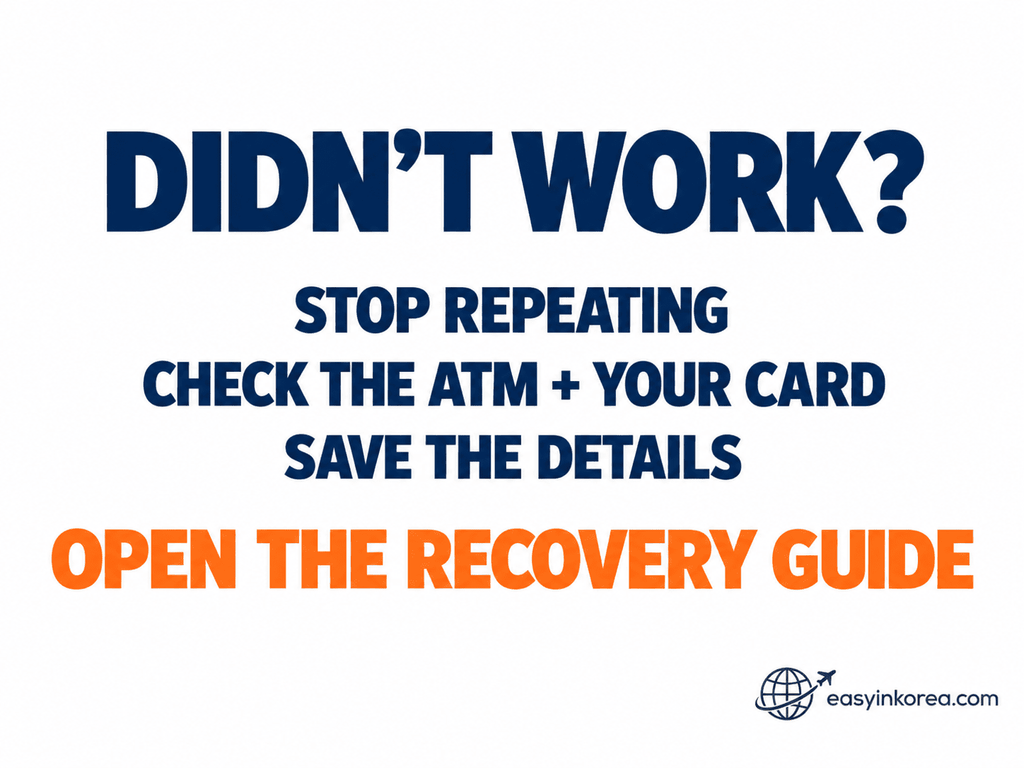
What happens next depends on the failure. A card decline, a retained card, and a completed charge with no cash are not the same problem.
If money appears to have been charged but no cash came out, keep the ATM location, operator or bank name, time, amount, receipt, and any visible error message before you leave.
For the full decision path, continue to the Easy in Korea ATM recovery guide below.
Choose the Next Step by What Happened
If your card was declined, check the machine and your card conditions before deciding whether to try another ATM.
If you were charged but received no cash, stop and keep the transaction details before making another withdrawal.
Need Help at the ATM?
Show This in Korean
해외에서 발급된 카드로 현금을 인출하려고 합니다. 어떤 ATM을 사용하면 되나요?
This means: “I want to withdraw cash with a card issued overseas. Which ATM should I use?”
Bank staff may help you identify an appropriate machine or explain the bank’s ATM service. Your card issuer still controls issues such as authorization, PIN restrictions and overseas-withdrawal settings.
Translation / Voice Help
If communication is difficult, use Voice or Conversation Mode in the translation app you already prefer.
For the ATM name, address, amount or another critical detail, show the translated text on your screen too.
7. Final Check Before You Leave
Card → Cash → Amount → Receipt
- Take your card.
- Take your cash.
- Check the cash amount.
- Keep the receipt if one is issued or if you may need transaction evidence.
If something went wrong, save the transaction details before leaving the ATM location.
Official Sources
Google Maps Platform — Maps URLs
Official documentation for direct Google Maps directions, Place IDs, walking mode and current-location navigation behavior.
Google Maps URLs Documentation →
Shinhan Bank
Use Shinhan Bank’s current official information for bank services and foreigner-facing banking guidance.
Woori Bank
Woori Bank’s official information identifies Myeongdong Financial Center at 42 Myeongdong-gil. Use the bank’s current information when checking branch or ATM details.
Woori Bank Myeongdong Financial Center Information →
Hana Bank
Hana Bank’s official ATM guidance explains Global ATM use with supported overseas card networks. Individual ATM availability and support should still be checked at the machine.
Visa Global ATM Locator
Visa and PLUS cardholders can use Visa’s ATM locator as an additional network-level check.
Mastercard ATM Locator
Mastercard cardholders can use Mastercard’s current ATM locator as another network-level check.
Conclusion
If you need an ATM in Myeongdong for a foreign card, you now have three places to check: the Shinhan Bank ATM on Myeongdong-gil, Woori Bank Myeongdong Financial Center, and Hana Bank Headquarters at 35 Eulji-ro.
These locations do not guarantee that every foreign-issued card will work. When you arrive, check the actual ATM for Global ATM, Foreign Card, or a compatible international card-network mark before inserting your card.
If the withdrawal fails, do not keep repeating the same attempt. Check the machine and your card conditions, save transaction evidence when necessary, and move to the correct recovery step.
Recognize → Choose → Walk → Check → Withdraw → Recover → Complete.
Related Guides
Need another step after finding an ATM in Myeongdong? Choose the guide that matches what you need next.
ATM Withdrawal Problem?
If your card was declined, you were charged without receiving cash, or the withdrawal failed, use the ATM recovery guide.
Global ATM and Cash Withdrawal Problems in Korea →Using Myeongdong Station?
Check Line 4, exits, shopping access, luggage tips, and step-free routes before your next move.
Myeongdong Station Guide →Have Another Problem in Korea?
Find the right organization or service to contact and see what to do next.
Problem in Korea? Who to Contact →Need Tourist Help?
Learn how to use 1330 for tourist information, multilingual assistance, and tourism-related help.
How to Use 1330 in Korea →More Easy in Korea Guides
Find more practical guides for transportation, payments, navigation, airports, and common travel problems in Korea.
Browse Related Guides →