Quick Answer
Seoul Station connects KTX, Korail, AREX, Seoul Subway and GTX-A. Your best ATM route depends on where you are standing.
If you are in the main KTX/Korail area, start with the 2F concourse. ATM landmarks include Paris Croissant and Baskin-Robbins.
You can also compare three nearby NICE TCM locations listed by Visa ATM Locator. Use the Google Maps walking buttons to compare routes from your current location.
Before withdrawing Korean won, check the actual ATM for international-card support and a card-network logo that matches your card. A listed ATM does not guarantee a successful withdrawal.
Do You Actually Need Cash at Seoul Station?
Some supported Seoul subway ticket machines accept eligible foreign-issued credit or debit cards for certain transit purchases.
These are ticket machines, not ATMs. They cannot give you Korean won in cash.
If you need cash for food, shopping, transport or another payment, continue with the ATM steps below.
Payment methods depend on the machine and ticket type. Always check the current payment screen.
Travelers Wish They Knew This Before Looking for an ATM at Seoul Station
Seoul Station is large. An ATM that looks close on a map may require a longer walk from your rail area.
First ask: Where am I now?
Then ask: Does this ATM support my foreign-issued card?
Do not assume that every ATM from the same bank or operator supports identical international-card transactions.
For a traveler with luggage, a stroller or a wheelchair, the easiest route may be more useful than the shortest straight-line distance.
Quick Navigation
1. Find Your Seoul Station Area
2. Find an ATM From Your Current Area
Woori ATM on the 2F Concourse
Another ATM on the 2F Concourse
Visa-Listed NICE TCM ATM Options
3. Check the ATM for Your Foreign Card
4. Withdraw Korean Won
5. If the ATM Does Not Work
6. Final Check Before You Leave
1. Find Your Seoul Station Area
Your next ATM route depends on your starting point. Do not cross the station before checking the signs around you.
KTX / Korail
If you arrived by KTX or another Korail train, start from the main train-station area. The 2F concourse has ATM locations you can look for.
AREX
If you arrived from Incheon Airport by Airport Railroad, identify your current AREX area first. Do not automatically walk to the KTX concourse.
Subway Line 1 or Line 4
If you are in the subway area, check whether you actually need cash. If you do, look for an ATM nearby or compare a walking route before changing levels.
GTX-A or Another Rail Area
Follow the signs for the rail system you are using. Consider your luggage, mobility needs and train departure time before leaving your current area.
Once you know where you are, continue to the ATM options below.
2. Find an ATM From Your Current Seoul Station Area
Woori Bank ATM — 2F Concourse Near Paris Croissant
Location information identifies Woori Bank ATM machines in the Seoul Station 2F concourse near Paris Croissant.
If you are already in the KTX/Korail concourse, use Paris Croissant as your landmark instead of searching by the bank name alone.
When you reach the ATM, check the machine for international-card support and your card-network logo.
This indoor location description does not independently establish that the particular ATM is registered as a Global ATM.
Another ATM — 2F Concourse Near Baskin-Robbins
Another ATM area has been documented near Baskin-Robbins on the 2F concourse, around the stairs toward 3F.
This gives travelers another machine to check if the first one is unsuitable.
Check the actual ATM for foreign-card support before inserting your card.
If You Are Not in the Main Train Concourse
Do not cross Seoul Station automatically. First check the ATM or bank signs in the rail area you are using.
If you cannot find a suitable ATM, compare the walking routes below from your current location.
Visa-Listed NICE TCM ATM Options Near Seoul Station
The Visa Global ATM Locator lists several NICE TCM ATM addresses around Seoul Station. The following three locations are options for comparing walking routes.
Important: Visa’s address listings are not the same as a verified indoor ATM entrance. Google Maps directions can guide you to a street address or building, but they may not identify the exact ATM floor or doorway.
Use the buttons to compare walking routes from your current location. Choose a route that works for your rail area, luggage and mobility needs.
1. NICE TCM — 405 Hangang-daero
Visa-listed road address: 405 Hangang-daero, Seoul, South Korea
Korean address: 서울특별시 한강대로 405
This is the same road-name address used for the main Seoul Station building. However, the Visa listing shows Jung-gu, while the main Seoul Station address is in Yongsan-gu.
Because of this district mismatch, treat the route as directions to the Seoul Station building address, not proof of a specific NICE TCM ATM inside the station.
Visa lists 24-hour access and Braille/audio support for this entry. These listing details do not guarantee current access or machine operation.
CHECK WALKING TIME — NICE TCM 405 HANGANG-DAERO →
2. NICE TCM — 107 Huam-ro
Visa-listed address: 107 Huam-ro, Yongsan-gu, Seoul, South Korea
Korean address: 서울특별시 용산구 후암로 107
This address corresponds to the Gateway Tower building near Seoul Station. It may be useful if you are already on this side of the station.
Visa lists 24-hour access, wheelchair accessibility and Braille/audio support. The exact ATM floor and entrance have not been independently confirmed.
CHECK WALKING TIME — NICE TCM 107 HUAM-RO →
3. NICE TCM — 410 Hangang-daero
Visa-listed address: 410 Hangang-daero, Jung-gu, Seoul, South Korea
Korean address: 서울특별시 중구 한강대로 410
This is another NICE TCM entry shown by Visa near Seoul Station.
Visa lists 24-hour access, wheelchair accessibility and Braille/audio support. The exact ATM entrance has not been independently verified.
Use the address to compare your route, but do not assume the ATM is inside the main KTX/Korail station building.
CHECK WALKING TIME — NICE TCM 410 HANGANG-DAERO →
How to Choose Between These Locations
Open the walking routes and compare the distance and estimated time from where you are now.
If you are already inside the KTX/Korail concourse, check a suitable indoor ATM first. Leaving the station may take longer than expected.
If you are outside the station or near a different rail entrance, one of the Visa-listed NICE TCM addresses may offer a more convenient route.
Google Maps provides navigation. Visa provides the ATM listing. Neither guarantees that the machine is currently working or that your particular foreign-issued card will be accepted.
Can You Use ATMs at Other Banks?
Yes. You do not have to use only Woori Bank, Hana Bank or NICE TCM.
Other bank and independent ATMs may also accept eligible foreign-issued cards.
Look for Global ATM, International Cards or a matching card-network logo such as Visa, PLUS, Mastercard, Maestro, Cirrus, JCB or UnionPay.
Woori Bank and Hana Bank have official Global ATM search tools. Visa ATM Locator provides an additional source for independent ATM listings such as NICE TCM.
Use the location evidence to choose where to go, then check the actual machine before withdrawing cash.
3. Check the ATM for Your Foreign Card
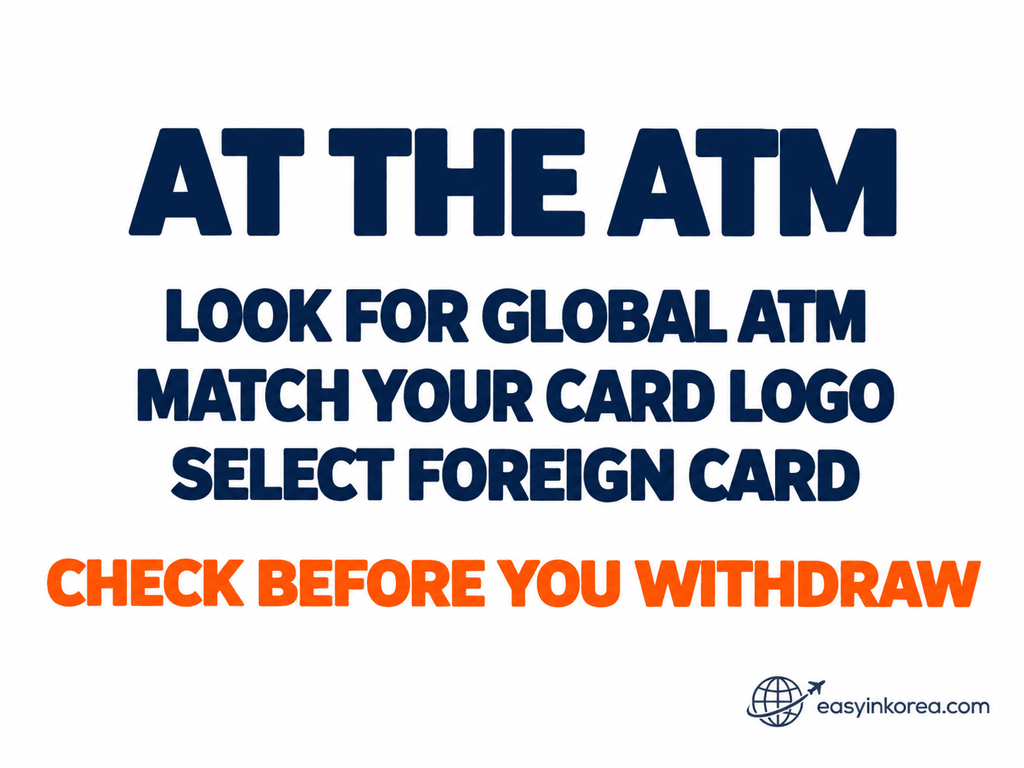
1. Look for International-Service Markings
Look for Global ATM, international-card wording or another indication that the machine supports overseas cards.
2. Match Your Card Network
Compare the logo on your physical card with the card-network logos shown on the ATM.
A bank name or an English-language screen alone does not confirm foreign-card support.
3. Check the Screen
If the ATM provides a Foreign Card, overseas-card or similar option, follow that route.
The exact screen sequence can differ by ATM operator.
4. Check Access and Accessibility
Visa ATM Locator may show information such as 24-hour access, wheelchair accessibility or Braille/audio support.
These listings do not guarantee that the ATM is currently operating, that the building entrance is open or that every part of the route is step-free.
4. Withdraw Korean Won
Choose Cash Withdrawal
Follow the ATM instructions and select the amount of Korean won you need.
Check the Fee Before You Confirm
Read any ATM fee or transaction charge shown on the screen.
Your card issuer may also charge an overseas withdrawal fee or another transaction fee.
Do not assume that the fee will match another traveler’s experience.
Check the Currency
If the ATM offers a currency-conversion choice, review the exchange rate and final amount carefully.
Do not select a conversion option only because it displays your home currency.
Finish the Transaction
After a successful withdrawal, collect your card, cash and receipt.
5. If the ATM Does Not Work
If Your Card Is Declined
Do not keep repeating the same failed transaction.
Check the error message, card-network logo and your overseas cash-withdrawal settings.
If another suitable ATM is available, try a different machine or operator. If the problem continues, contact your card issuer.
If You Were Charged but Received No Cash
Treat this as a transaction-recovery problem, not just an ATM-location problem.
Save the ATM location, operator name, approximate time, attempted amount, receipt and any error message.
Contact the ATM operator and your card issuer for the appropriate recovery process.
If the Problem Involves a NICE ATM
NICE provides customer assistance at 1577-4655. Check the operator details displayed on the actual ATM before contacting support.
Need Help Finding or Using the ATM?
If You Cannot Find the ATM
ATM이 어디에 있나요?
Where is the ATM?
If You Are Not Sure About Your Card
해외 발급 카드로 현금을 인출하려고 합니다. 이 ATM에서 사용할 수 있나요?
I am trying to withdraw cash with a foreign-issued card. Can I use it at this ATM?
Staff may help you find a machine or understand local instructions, but they cannot guarantee that your card issuer will approve the withdrawal.
6. Final Check Before You Leave
Before leaving the ATM, check:
Card → Cash → Amount → Receipt
Make sure your card has been returned.
Check that the cash amount matches your completed withdrawal.
Keep the receipt if you may need to question the transaction later.
Then return to your KTX, Korail, AREX, subway, GTX-A or station exit route.
Official Sources and Evidence
Seoul Metropolitan Government — Foreign Cards at Subway Ticket Machines
Seoul Metropolitan Government provides information about eligible foreign-card payments at supported subway ticket machines.
CHECK SEOUL METROPOLITAN GOVERNMENT INFORMATION →
Woori Bank — Official Global ATM Search
Woori Bank provides an official Global ATM search with Inside Branch and Independent from Branch categories.
A general Woori ATM location should not automatically be treated as a confirmed Global ATM listing.
OPEN WOORI BANK GLOBAL ATM SEARCH →
Visa — Global ATM Locator
Visa ATM Locator is the source of the three NICE TCM address listings in this guide:
405 Hangang-daero, 107 Huam-ro and 410 Hangang-daero.
The locator may display amenities such as 24-hour access, wheelchair accessibility and Braille/audio support. These listings do not guarantee current machine operation or successful foreign-card withdrawal.
OPEN VISA GLOBAL ATM LOCATOR →
NICE — ATM Services and Customer Assistance
NICE provides information about its ATM services, including overseas-card services. Customer assistance is available at 1577-4655.
General operator information does not independently confirm the exact location of a particular ATM.
READ NICE ATM SERVICE INFORMATION →
Seoul Station ATM Location Evidence
Location descriptions identify ATM areas on the Seoul Station 2F concourse near Paris Croissant and Baskin-Robbins.
These landmarks help travelers find an ATM, but they do not independently verify Global ATM registration or foreign-card acceptance.
Google Maps Walking Directions
The Google Maps buttons provide walking routes to the listed street addresses from the traveler’s current location.
Google Maps is used for navigation, not as proof that an ATM is installed at a particular indoor location.
Conclusion
If you need an ATM at Seoul Station, first decide whether you actually need cash.
If cash is necessary, identify your KTX/Korail, AREX, subway or GTX-A area before walking.
Travelers in the main KTX/Korail concourse can start with the indoor ATM landmarks.
Travelers looking for another option can compare the Visa-listed NICE TCM addresses and their Google Maps walking routes.
At the machine, check foreign-card support, review fees and currency information, and collect your card, cash and receipt.
If the withdrawal fails, stop repeating the same attempt and follow the appropriate recovery steps.
Understand → Choose → Walk → Check → Withdraw → Recover if needed → Continue your journey.