Quick Answer
Looking for an ATM in Dongdaemun with a foreign card? Start with where you are now.
Quick Answer
If you need cash in Dongdaemun, first identify whether you are near Dongdaemun Station, the Doota shopping area or DDP. Then compare a bank-listed Global ATM location for your side of Dongdaemun.
Do not choose an ATM only because it appears first on a map.
The bank’s official Global ATM information helps you find a suitable location. The actual ATM and your foreign card determine whether the withdrawal can proceed.
Travelers Wish They Knew This Before Looking for an ATM in Dongdaemun
“Dongdaemun” is not one single starting point for a traveler.
You may be near Dongdaemun Station, Doota, Dongdaemun Design Plaza (DDP) or Dongdaemun History & Culture Park Station.
These places are part of the same travel area, but they can give you different walking routes.
The useful question is not only:
“Where is an ATM?”
Ask:
“Which bank-listed Global ATM should I check from where I am now?”
Choose by your current location, not by the order on this page.
Quick Navigation
Follow the steps in order, or jump to the step you need now.
1. Find Your Dongdaemun Area
2. Compare Verified Global ATMs in Dongdaemun
3. Check the Destination Before You Walk
4. Check the ATM Before Using Your Foreign Card
5. Withdraw Korean Won
6. If the ATM Does Not Work
7. Final Check Before You Leave
1. Find Your Dongdaemun Area
Before choosing an ATM in Dongdaemun, identify your real starting point.
Need an ATM in Dongdaemun now? Find your current landmark first—the next step depends on which side of Dongdaemun you are already on.
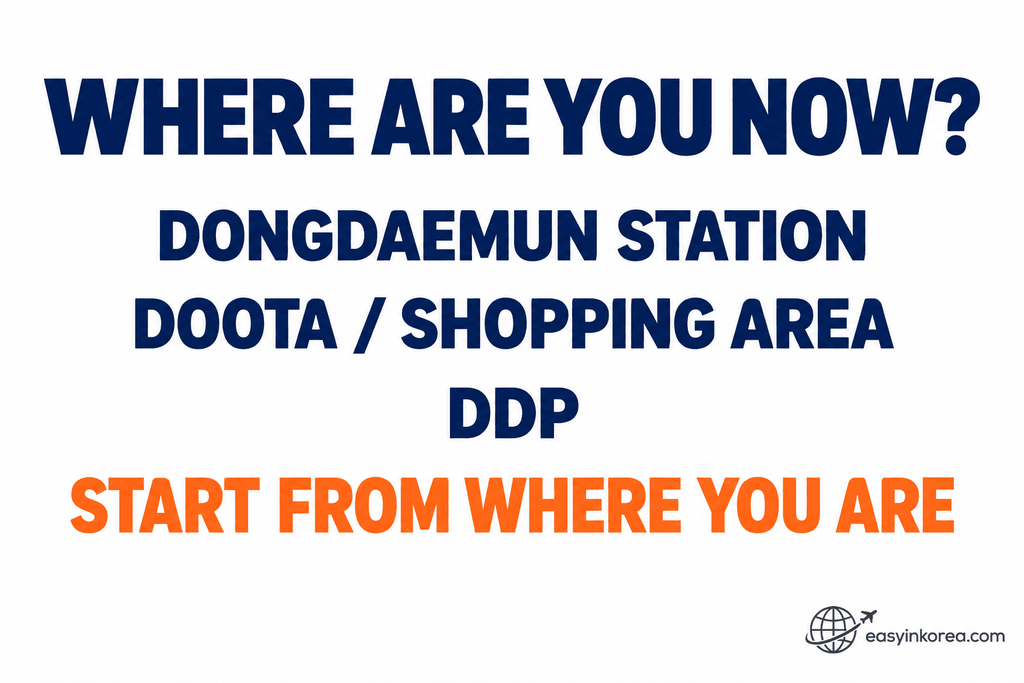
Your landmark is now your starting point. Use it to narrow the search instead of treating all of Dongdaemun as one ATM area.
The next step compares bank-listed Global ATM options for the Dongdaemun Station, shopping and DDP sides, so you can choose a destination before you start walking.
Dongdaemun Station
If you are near Dongdaemun Station, start by comparing the Global ATM options around Jong-ro.
Doota or the Shopping Area
If you are already around Doota or the nearby fashion-shopping area, check the Jangchungdan-ro option before walking back toward another station.
DDP or Dongdaemun History & Culture Park
Dongdaemun Design Plaza is at 281 Eulji-ro, Jung-gu, Seoul.
If you are around DDP, start by checking the Global ATM option on the Eulji-ro side.
Current location first. ATM destination second.
2. Compare Verified Global ATMs in Dongdaemun
These locations come from the banks’ official Global ATM search results.
Choose by your current location, not by the order on this page.
Ready to choose an ATM in Dongdaemun? Match your area to the address below first, then check which bank option fits that destination.
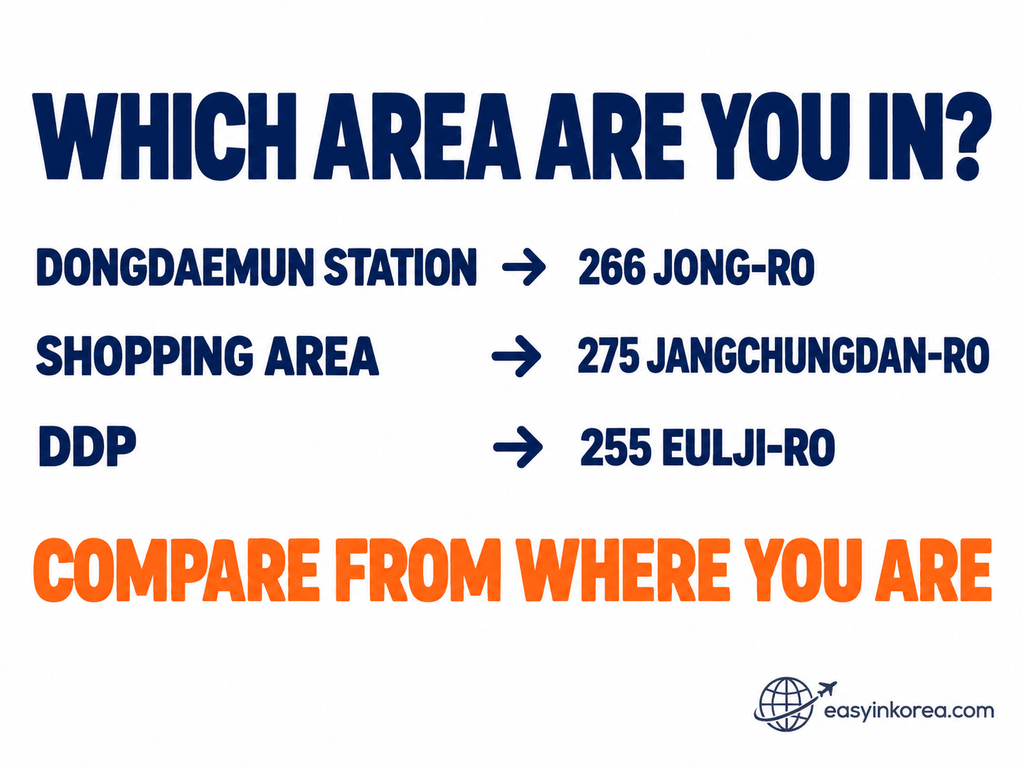
Now turn your area into a bank choice. Use the three bank-listed Global ATM locations below to match your current side of Dongdaemun with a practical destination.
Check the bank name and official address below before opening your walking route.
Dongdaemun Station Side — Woori Bank Dongdaemun Banking Center
Global ATM location: Woori Bank — Dongdaemun Banking Center
Official address: 266 Jong-ro, Jongno-gu, Seoul
Woori Bank’s official Global ATM search lists a Global ATM at this location.
Map destination: 266 Jong-ro, Jongno-gu, Seoul
Google Maps will guide you to this address. When you arrive, look for
Woori Bank — Dongdaemun Banking Center and its listed Global ATM.
Doota / Shopping Area — Hana Bank Doosan Tower Banking Center
Global ATM location: Hana Bank — Doosan Tower Banking Center
Global ATM type: 365 Corner Global ATM
Official address: 275 Jangchungdan-ro, Jung-gu, Seoul
Hana Bank’s official Global ATM search lists a 365 Corner Global ATM at this location.
Compare this option if you are already around Doota or the Dongdaemun shopping area.
Map destination: 275 Jangchungdan-ro, Jung-gu, Seoul
Google Maps may show Doosan Tower or the street address. When you arrive,
look for Hana Bank — Doosan Tower Banking Center and its listed
365 Corner Global ATM.
DDP Side — Hana Bank Euljiro 6-ga
Global ATM location: Hana Bank — Euljiro 6-ga
Global ATM type: 365 Corner Global ATM
Official address: 255 Eulji-ro, Jung-gu, Seoul
Hana Bank’s official Global ATM search lists a 365 Corner Global ATM at this location.
Compare this option if you are starting around DDP or Dongdaemun History & Culture Park.
Map destination: 255 Eulji-ro, Jung-gu, Seoul
Google Maps will guide you to this address. When you arrive, look for
Hana Bank — Euljiro 6-ga and its listed 365 Corner Global ATM.
Evidence check: the Global ATM information above comes from the official Woori Bank and Hana Bank Global ATM search results. Google Maps is used only for walking navigation to the same official address shown in this guide. The map may display the street address or building name instead of the bank name. At the destination, look for the listed bank and Global ATM or 365 Corner, then check your card network before starting the withdrawal. A Global ATM listing does not guarantee that every foreign-issued card will complete a withdrawal.
Choose by your current location, not by the order on this page. Compare the walking route and time, then choose the Global ATM location that is easiest to reach from where you are now.
Can You Use ATMs at Other Banks?
Yes! You can also use ATMs at other banks in Korea. You do not have to use only Woori Bank or Hana Bank.
Look for an ATM marked Global ATM or International Cards.
Check for your card logo, such as Visa, PLUS, Mastercard, Maestro, Cirrus, JCB, or UnionPay. If the ATM supports your card network, you can try withdrawing Korean won.
Why do we show Woori Bank and Hana Bank? Their official Global ATM searches help us find specific locations and give you Google Maps walking directions.
Just check the walking time from where you are and choose the route that works for you.
3. Check the Destination Before You Walk
Finding a Global ATM in the bank database is only the first verification step.
Match the Destination
Before you start walking, match:
1. Bank name
2. Branch or destination name
3. Exact address
Do not switch to a similarly named bank branch only because it appears first in a map search.
If the map destination and the official bank address do not match, stop and verify the destination again.
Compare the Route From Where You Are
Once the destination is verified, use your current location to compare the walking route.
Do not rely on a fixed walking time in this guide. Your entrance, station exit and current side of Dongdaemun can change the route.
4. Check the ATM Before Using Your Foreign Card
You reached the ATM. Now verify the actual machine before starting the transaction.
Standing at an ATM in Dongdaemun? Before you insert or use your card, confirm that this is the machine you intended to use.
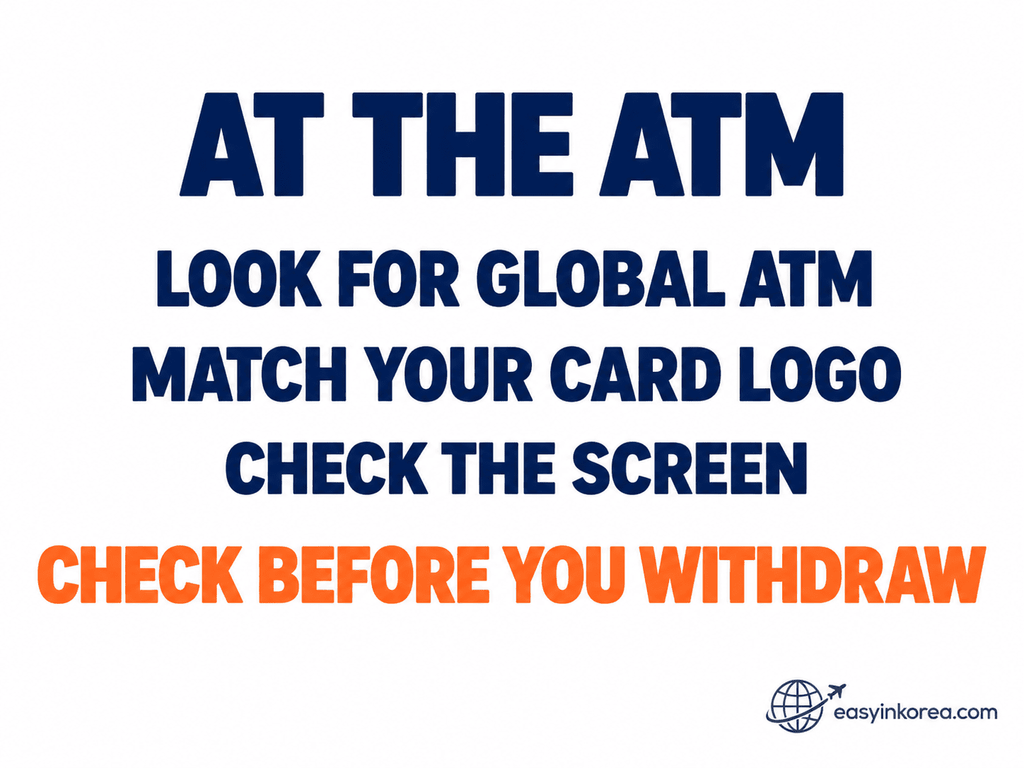
Reaching the right bank does not automatically mean every foreign card can complete a transaction. The machine in front of you is the next evidence point.
If your card has a usable transaction path on this ATM, continue to the withdrawal step and review the amount, fee and currency information shown before you confirm.
Check the Actual ATM
Look for Global ATM or international-card information on the machine or screen.
Check whether your card-network logo appears on the ATM.
If the ATM provides a foreign-card or international-card option, follow the instructions shown on that machine.
Screen wording and transaction steps can vary between ATMs.
Remember: a bank-listed Global ATM is a useful starting point. The actual ATM and your actual card determine whether your transaction can proceed.
5. Withdraw Korean Won
If the ATM accepts your card, continue with the instructions shown on the machine.
Read Before You Confirm
Select the cash withdrawal option and enter the amount you need in Korean won.
Before confirming, check:
Withdrawal amount
Any fee shown
Currency or conversion information
Final transaction details
Do not assume that every ATM in Dongdaemun has the same fee, limit or screen sequence.
Use the information shown on the ATM you are actually using.
6. If the ATM Does Not Work
First identify what happened. A declined card and a debit with no cash are different problems.
Did your ATM in Dongdaemun transaction fail? Do not start another attempt yet. First identify what the machine and your account actually show.
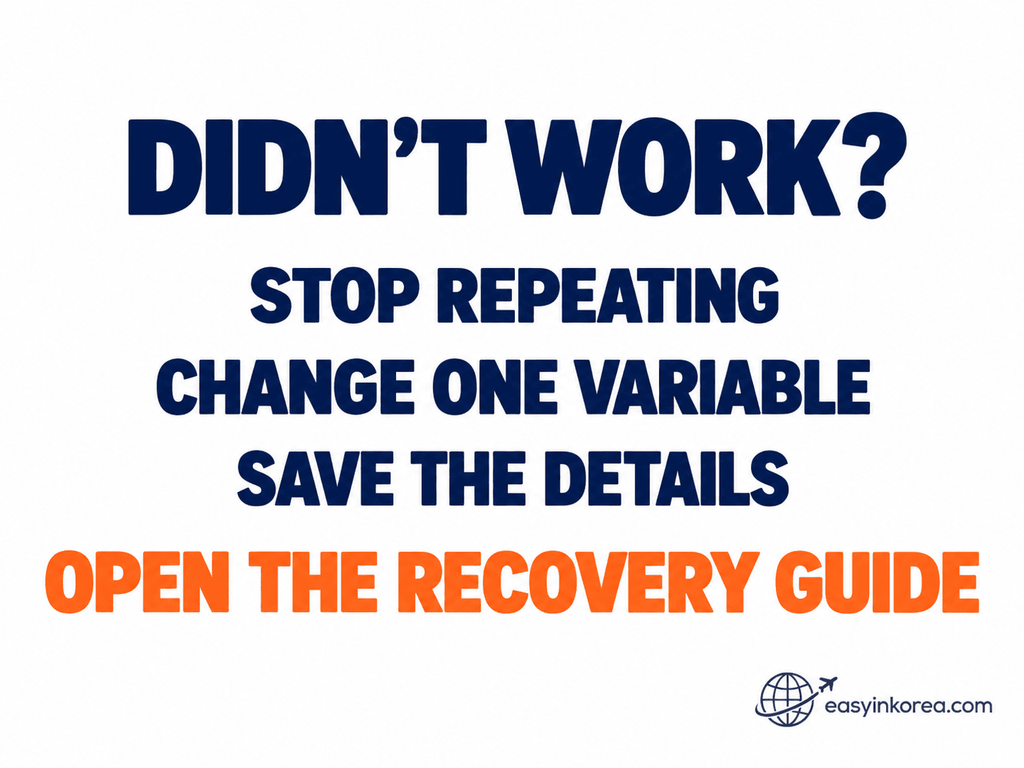
What happened after the attempt determines your next step. A card that was simply rejected is not the same recovery case as an account showing a debit when no cash came out.
If the result is unclear, keep the ATM and transaction information before leaving. The dedicated guide separates the main withdrawal problems so you can continue from the right recovery path instead of restarting your ATM search.
Card Declined?
Stop repeating the same transaction.
Read the ATM message first.
Then change one useful variable:
Try another bank-listed Global ATM
Try another card
Check with your card issuer
Charged but No Cash?
This is a different problem.
Save:
ATM location
Bank or operator
Approximate time
Withdrawal amount
Receipt, if available
Error or transaction message
Then move to the dedicated cash-withdrawal recovery guide.
Need Help Finding or Using the ATM?
Separate a destination problem from a transaction problem.
Cannot Find the Bank?
Recheck the bank name, destination name and exact address.
Do not switch to a similarly named branch until you confirm that the address matches.
Found the ATM but the Card Failed?
Stop solving the location problem.
Save what happened and move to the correct transaction-recovery step.
LOCATION PROBLEM → VERIFY THE DESTINATION
TRANSACTION PROBLEM → VERIFY WHAT HAPPENED
7. Final Check Before You Leave
Before leaving the ATM in Dongdaemun, close the transaction completely.
Card
Make sure you took your card.
Cash
Make sure you took all the cash dispensed.
Amount
Check that the transaction amount matches what you requested.
Receipt
Keep the receipt if you may need to check the transaction later.
CARD → CASH → AMOUNT → RECEIPT → COMPLETE
Frequently Asked Questions
These answers cover common questions about using an ATM in Dongdaemun with a foreign card.
Where can I find an ATM in Dongdaemun for a foreign card?
Bank-listed Global ATM options are available around Dongdaemun Station, the Doota shopping area and the DDP side. Choose according to your current location and verify the actual ATM before using your card.
Which ATM should I use near DDP?
Start by comparing the Eulji-ro option from your current location. Hana Bank’s official search lists Euljiro 6-ga at 255 Eulji-ro as a Global ATM location. Verify the destination before you walk.
Does a Global ATM guarantee my foreign card will work?
No. A Global ATM listing identifies a suitable ATM location, but the actual transaction can still depend on the ATM, card network, card issuer and account conditions.
What should I do if my card is declined?
Stop repeating the same attempt. Read the ATM message and change one useful variable, such as the bank, card or issuer check.
Ask an AI Travel Assistant
Give an AI assistant your real starting point instead of asking only for “an ATM in Dongdaemun.”
You can ask:
“I am in Dongdaemun, Seoul, near [Dongdaemun Station / Doota / DDP]. I need Korean won with a foreign card. Help me compare the bank-listed Global ATM options at 266 Jong-ro, 275 Jangchungdan-ro and 255 Eulji-ro from my current location. Verify the bank destination and address before giving me a walking route.”
Bank locations, ATM access and map information can change. Verify the destination and actual ATM before starting the transaction.
Official Sources and Evidence
This guide separates official Global ATM evidence, navigation and the final card transaction.
Hana Bank — Official ATM Search
Hana Bank’s official search is used to identify its Global ATM locations and official branch or destination information.
Woori Bank — Official Global ATM Search
Woori Bank’s official Global ATM search is used to verify Woori Global ATM listings.
Woori Bank Official Global ATM Search
Dongdaemun Design Plaza
Official and public tourism information identifies Dongdaemun Design Plaza at 281 Eulji-ro, Jung-gu, Seoul. This is used as the DDP-side reference point in this guide.
Map Navigation
Use a map for navigation only after the bank destination and exact address match the official information.
A map result alone is not used to classify an ATM as a Global ATM.
Trust check:
OFFICIAL BANK DATABASE = what the bank lists
VERIFIED DESTINATION = where you intend to go
MAP = how to get there
ACTUAL ATM + CARD = whether the transaction can proceed
Conclusion
Finding an ATM in Dongdaemun is easier when you start with your real location instead of a long ATM list.
Near Dongdaemun Station, check the Global ATM options at 266 Jong-ro.
Around Doota and the shopping area, compare the Doosan Tower option at 275 Jangchungdan-ro.
Around DDP, compare the Euljiro 6-ga option at 255 Eulji-ro.
Verify the bank destination and exact address before walking. At the ATM, check the machine and your card before confirming the withdrawal.
If the transaction fails, identify the problem instead of repeating the same attempt.
OFFICIAL ATM DATABASE → VERIFIED LOCATION → COMPARE → WALK → CHECK → WITHDRAW → RECOVER → COMPLETE
Related Guides
Need cash in another part of Seoul? Continue with the ATM guide for your next area.
ATM near COEX and Samseong Station for Foreign Cards
Going to COEX or Samseong Station? Compare verified Global ATM options from your current location.
ATM in Gangnam for Foreign Cards: Where to Find Cash Nearby
Need Korean won around Gangnam Station? Continue with the local ATM guide.
ATM in Hongdae for Foreign Cards: Where to Find Cash Nearby
Going to Hongdae? Check the local ATM guide before choosing where to withdraw cash.
ATM in Myeongdong for Foreign Cards: Where to Find Cash Nearby
Going to Myeongdong? Continue with the local guide for finding a suitable ATM with a foreign card.
Related Guides
Find more step-by-step Easy in Korea guides for payments, transportation, navigation and travel problems.