KakaoMap English is useful when you can identify the correct place, choose a route, and understand the next movement without learning every app feature first.
Opened KakaoMap in Korea?
First check the language. Then search for the exact place you need.
Use KakaoMap one problem at a time: understand the screen, find the correct destination, then choose the route you can actually follow.
Do not spend time opening every menu. The first useful result is knowing that the place on the screen is the place you actually need.
Use This Simple Flow
Check the language.
Search for the destination.
Confirm the place.
Choose and follow the route.
Table of Contents
Check Your KakaoMap Language
KakaoMap currently lists English and Korean on its iOS App Store page. Check the language options shown in the version installed on your device.
Does your screen look different from an old guide?
Check the current language setting before changing your destination or route.
A different screen does not automatically mean the app cannot be used in English. Check the current language options, then return to the map and continue with the destination search.
Once the search field, place result, and route controls are clear enough to understand, stop adjusting settings and solve the destination problem.
Check the Screen Again
Return to the main map.
Check whether you can understand the search and route controls.
If yes, continue to the destination search.
Search for Your Destination in KakaoMap
Do not choose a route until KakaoMap has found the destination you actually want.
Not sure what to type?
Start with the destination information you trust most.
Start with a verified place name or address. A result is only a candidate until the surrounding location also matches the destination you need.
If the English name is unclear, try another verified spelling, the Korean place name, or the address instead of repeating the same search.
Search With the Strongest Clue
Use the exact place name when you know it.
Use the Korean name when an English result is weak.
Use the address when it gives a clearer location.
Make Sure You Found the Right Place
Finding a familiar name is not enough. Similar branches, buildings, and station names can appear in different places.
The name looks right?
Check the surrounding area before you open directions.
Confirm the area around the search result before you move. A valid route to the wrong branch is still the wrong trip.
Compare the result with a nearby station, neighborhood, major road, landmark, or address. Continue only when the place makes sense.
Destination Confirmed?
Once the name and surrounding location agree, the search problem is complete. Now choose how you will get there.
Choose Your KakaoMap Route
KakaoMap currently provides route finding for public transit, car, walking, and bicycle. Choose the mode that matches the trip you are about to make.
Destination confirmed?
Do not follow the first route automatically. Check the full route before you start.
The route type changes what you need to check next. Public transit requires boarding and transfer decisions, while walking depends more on your real position and street-level direction.
Heavy luggage, children, a stroller, a wheelchair, or limited walking ability can change which route is practical. Use the whole journey, not only the first option shown.
Use KakaoMap for Public Transportation
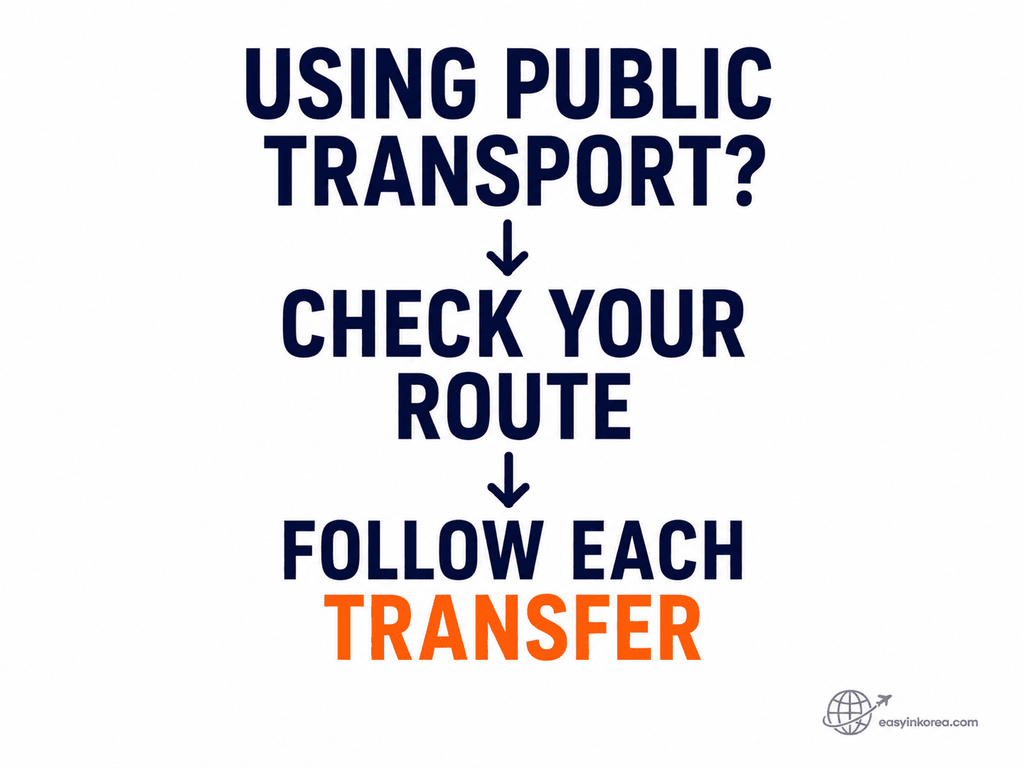
Read a public transport route as separate movements instead of one long journey.
Using subway or bus?
Check where you board first, where you transfer, and where you leave the final vehicle.
Each transfer creates a new decision point. Read the route in order: first boarding point, transfer point, final stop, then the last connection to the destination.
Kakao’s current service information also lists public transport boarding and exit notifications. Use current app information because functions and route conditions can change.
Before You Start Moving
Confirm the starting point.
Check the first boarding point.
Identify every transfer.
Know where you leave the final vehicle.
Use KakaoMap for Walking
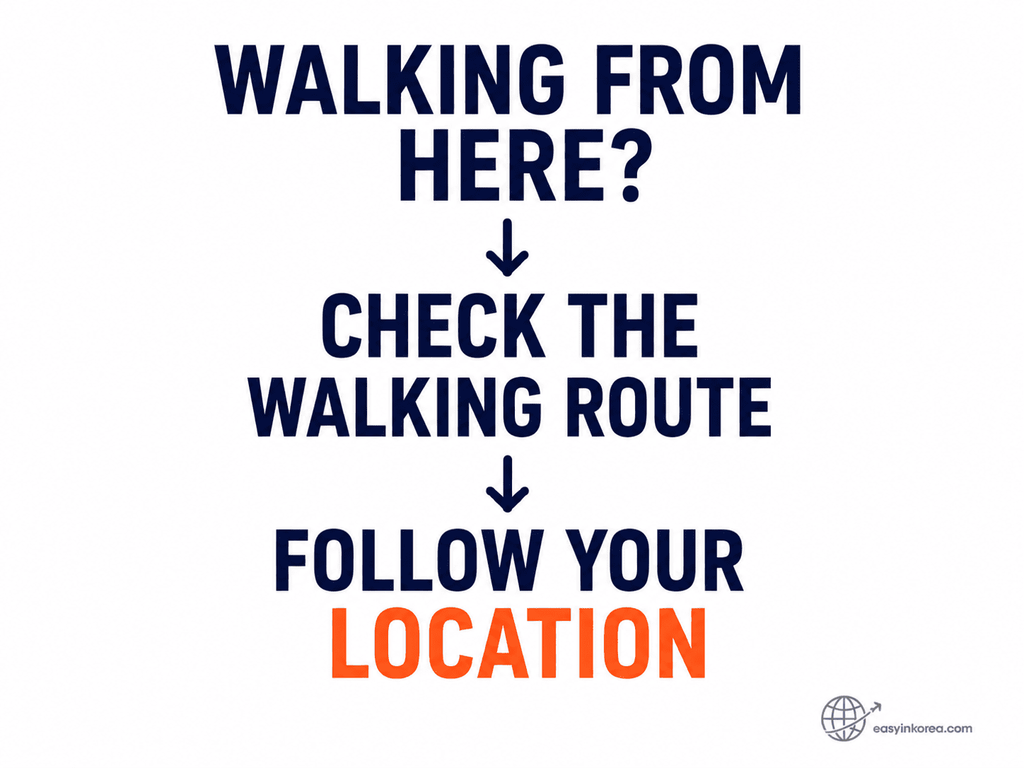
Walking directions only work well when the position on the map matches where you are standing.
About to start walking?
Check your real position before the first turn.
After leaving a station or bus stop, compare the map with the road, intersection, building, or exit around you before following the first walking direction.
Check your position again after an important turn. If the street does not match the map, stop early and correct the direction instead of walking farther.
What If KakaoMap Cannot Find the Place?
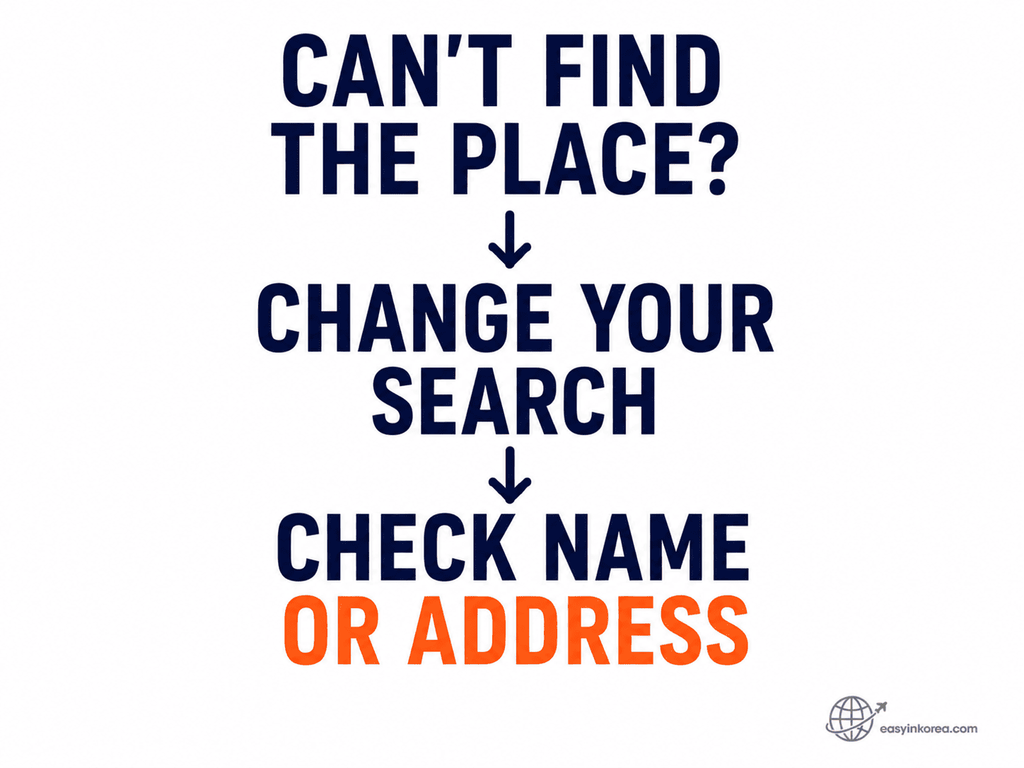
A failed search does not automatically mean the destination is wrong. Change one search clue before changing the destination.
Same bad result again?
Stop repeating the same search. Replace one piece of information with a stronger clue.
When a place search fails, change one clue at a time. Try another verified name, the Korean place name, an address, or a nearby landmark.
If KakaoMap still cannot confirm the place, compare the same destination in another map service. The goal is the correct place, not staying inside one app.
Recovery Order
Check the spelling.
Try another verified English name.
Try the Korean name.
Try the address or nearby landmark.
Cross-check another map if the destination is still unclear.
KakaoMap vs Naver Map vs Google Maps
Do not search for one permanent winner. Use the map that gives you the missing information for the problem you have now.
You are ready to move when the destination is correct and the first route movement is clear.
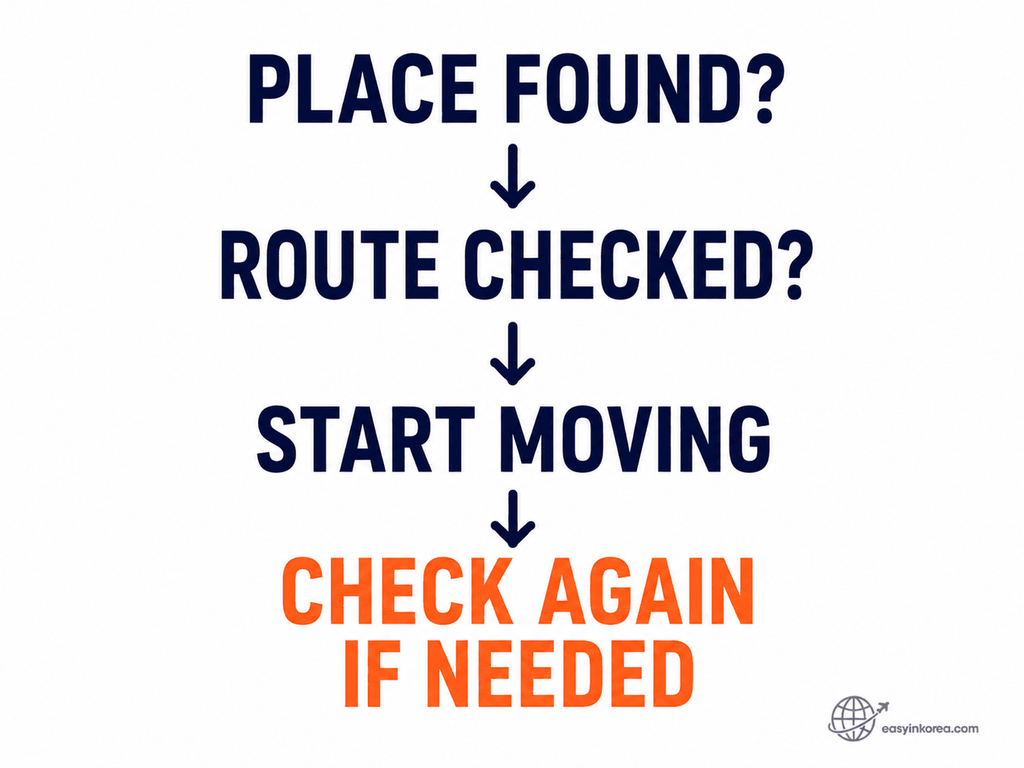
Place and first step confirmed?
Start moving. Reopen the map decision only when something stops matching.
A clear destination and a clear first movement are enough to begin. Check again only when your position, street, transfer, or next turn no longer makes sense.
Do not keep comparing maps after the current problem is solved. Stop, verify, and recover only when a new problem appears.
Problem Solved
You know the correct place, you understand the route you chose, and you know what to check if the map stops matching the real world.
KakaoMap English FAQ
Use these short answers when you only need the next action.
Can I use KakaoMap in English?
Yes. KakaoMap’s current iOS listing shows English and Korean. Check the language options available in your current app version.
Can foreigners use KakaoMap in Korea?
Yes. Use it to search for places and routes. If an English place name does not work, try another verified name, the Korean name, or an address.
Can KakaoMap search for bus stops?
Yes. Kakao’s current app information says search can find bus numbers, bus stops, and specific places.
Can KakaoMap show public transport routes?
Yes. Kakao currently lists public transit route finding. Check each boarding point and transfer before you move.
Can KakaoMap give walking directions?
Yes. Kakao currently lists walking route finding. Confirm your real starting position before following the first turn.
What if KakaoMap cannot find my destination?
Try a verified alternative name, Korean name, address, or nearby landmark. Cross-check another map if the place is still unclear.
Check Current Official KakaoMap Information
KakaoMap functions, menus, and screens can change. The planning information in this guide was checked in September 2026.
Kakao Official Service Information
Kakao currently lists route finding for public transit, car, walking, and bicycle.
Kakao also lists navigation and public transport boarding and exit notifications among KakaoMap functions.
The current iOS App Store listing shows English and Korean as supported languages.