Quick Answer
Need an ATM in Jamsil for a foreign card? Start from the place you already recognize, then compare three verified Global ATM locations around Jamsil Station and Lotte World Tower.
Quick Answer
This guide compares three bank-listed Global ATM locations: Woori Bank Jamsil Station Financial Center, Hana Bank Jamsil-yeok Banking Center, and Hana Bank Lotte World Tower Banking Center.
Choose by where you are now, not by the order on this page. When you reach the location, check the actual ATM for international-card information and your card-network logo before withdrawing Korean won.
Table of Contents
Travelers Wish They Knew This Before Looking for an ATM in Jamsil
Finding an ATM nearby is only the first step.
An ATM location does not automatically mean that every foreign-issued card will work there.
The locations in this guide were selected from official bank Global ATM search results and then matched to their physical locations.
Your card network, issuer, the individual ATM and transaction conditions can still affect the result.
Quick Navigation
Already in Jamsil? Jump directly to the step you need.
1. Find Your Jamsil Area
2. Compare 3 Global ATM Options
3. Check Your Walking Route
4. Check the ATM Before Using Your Card
5. Withdraw Korean Won
6. If the ATM Does Not Work
7. Final Check Before You Leave
1. Find Your Jamsil Area
Before choosing an ATM in Jamsil, start from a place you already recognize.
Start with the landmark you can recognize before choosing an ATM.
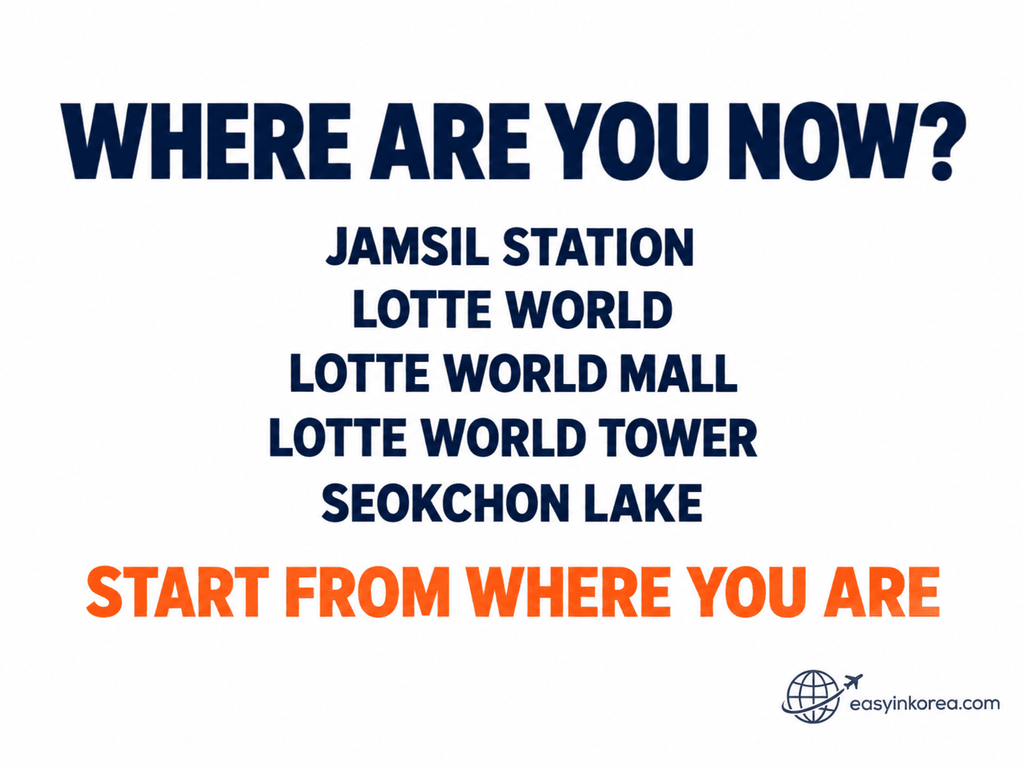
Continue below to compare verified Global ATM options around Jamsil Station and Lotte World Tower, then choose a route from where you are now.
Jamsil is easier to navigate when you start from a landmark instead of choosing an ATM only by its street address.
Near Jamsil Station or Lotte World?
Compare the Woori Bank and Hana Bank options on Olympic-ro first. Both are useful starting choices around the main Jamsil Station area.
Already Inside Lotte World Tower?
The Hana Bank Lotte World Tower Banking Center can be useful if you are already inside the tower. The banking-center location is on the 12th floor, so do not choose it only because 300 Olympic-ro looks close on a map.
2. Compare 3 Global ATM Options
These three locations were selected from official bank Global ATM results and cross-checked against their physical locations.
Compare your starting point before choosing one of the three locations.
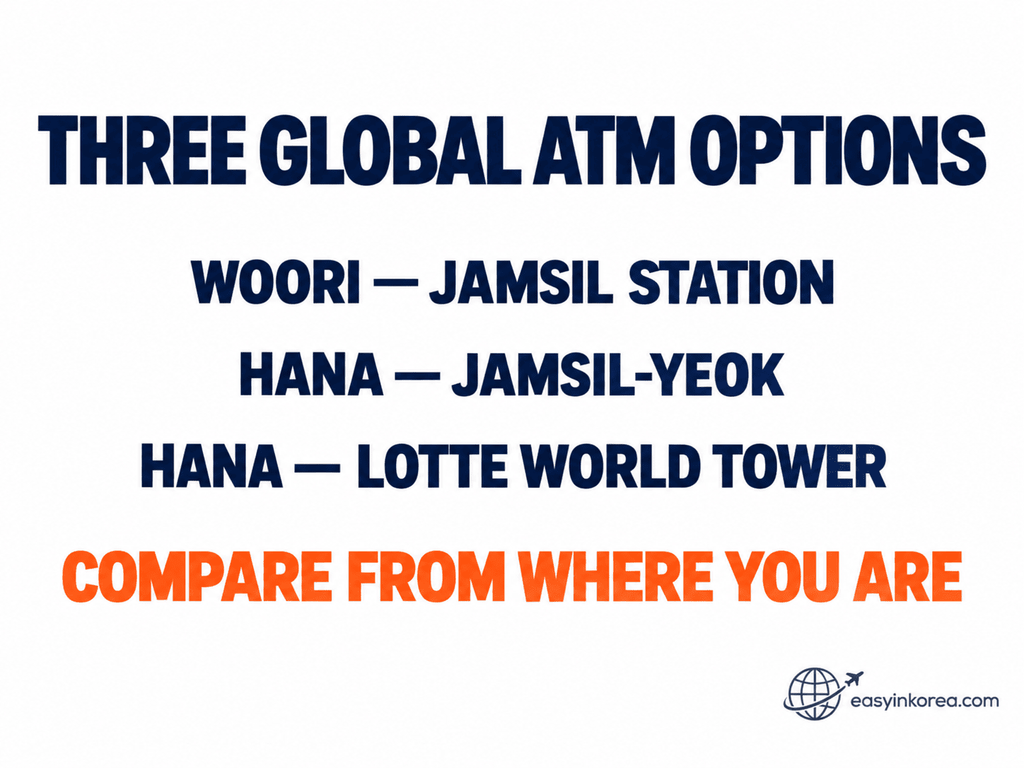
Check the verified address and building access for each option below before opening your walking route.
Option A — Woori Bank Jamsil Station Financial Center
Official Global ATM address
269 Olympic-ro, Songpa-gu, Seoul
Korean name
우리은행 잠실역금융센터
Road address
서울 송파구 올림픽로 269 1층
Lot number
서울 송파구 신천동 7-18
Location detail: Jamsil Lotte Castle Plaza, 1F
Option B — Hana Bank Jamsil-yeok Banking Center
Official Global ATM address
299 Olympic-ro, Songpa-gu, Seoul
Korean name
하나은행 잠실역금융센터
Road address
서울 송파구 올림픽로 299
Lot number
서울 송파구 신천동 7-23
Location detail: Daehan Sugar Building, 1F
Option C — Hana Bank Lotte World Tower Banking Center
Official Global ATM address
300 Olympic-ro, Songpa-gu, Seoul
Korean name
하나은행 롯데월드타워금융센터
Road address
서울 송파구 올림픽로 300
Lot number
서울 송파구 신천동 29
Location detail: Lotte World Tower, 12F
The first option on this page is not automatically the nearest or easiest. Open each route from your current location and choose the one that works for where you are now.
Can You Use ATMs at Other Banks?
Yes! You can also use ATMs at other banks in Korea. You do not have to use only Woori Bank or Hana Bank.
Look for an ATM marked Global ATM or International Cards.
Check for your card logo, such as Visa, PLUS, Mastercard, Maestro, Cirrus, JCB, or UnionPay. If the ATM supports your card network, you can try withdrawing Korean won.
Why do we show Woori Bank and Hana Bank? Their official Global ATM searches help us find specific locations and give you Google Maps walking directions.
Just check the walking time from where you are and choose the route that works for you.
3. Check Your Walking Route
Your current position matters more than a fixed walking time.
Use your current location instead of relying on a fixed walking time.
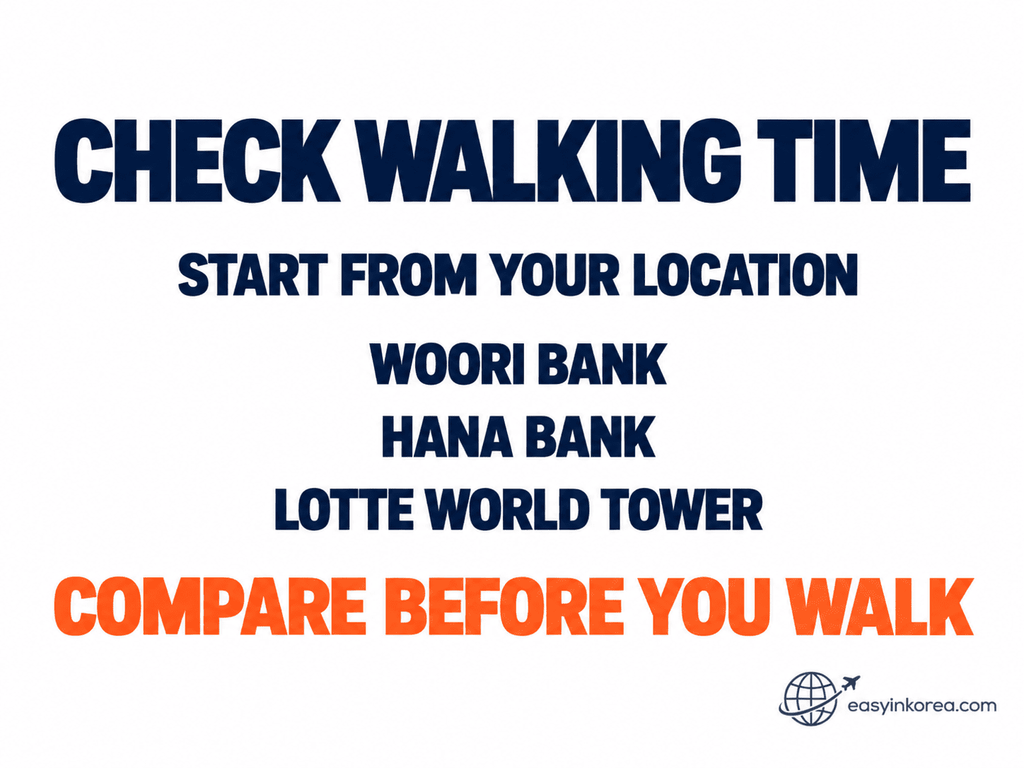
Open the destination that matches your choice below, compare the walking route from your current location, and check the building access before you go.
Compare the walking route from your current location instead of relying on a fixed walking time.
Station exits, road crossings and whether you are already inside Lotte World Tower can change the practical route.
Woori Bank — 269 Olympic-ro
Destination: 우리은행 잠실역금융센터 / 서울 송파구 올림픽로 269 1층
This is the 1F option in Jamsil Lotte Castle Plaza. The lot-number address is 서울 송파구 신천동 7-18.
Hana Bank — 299 Olympic-ro
Destination: 하나은행 잠실역금융센터 / 서울 송파구 올림픽로 299
This is the 1F banking-center option in the Daehan Sugar Building. The lot-number address is 서울 송파구 신천동 7-23.
Hana Bank — Lotte World Tower
Destination: 하나은행 롯데월드타워금융센터 / 서울 송파구 올림픽로 300 / Lotte World Tower 12F
The lot-number address is 서울 송파구 신천동 29. This banking-center location is inside Lotte World Tower on 12F, so do not confuse it with another ATM location inside the wider Lotte World complex.
If you are outside the tower, compare this route with the two Jamsil Station options before entering the building.
4. Check the ATM Before Using Your Foreign Card
Reaching a bank-listed Global ATM location is not the final check.
First, confirm that the actual ATM shows information that matches your card.
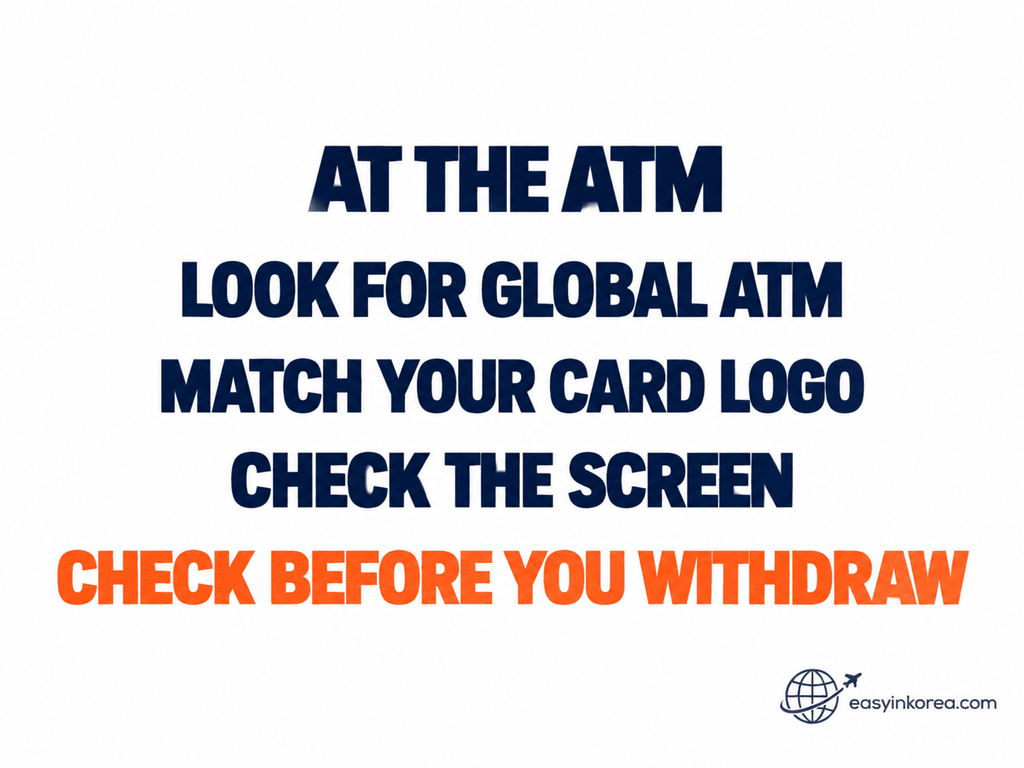
Continue below to check the network information and transaction screen before you confirm a withdrawal.
At the machine, look for Global ATM, international-card information or supported card-network logos.
Depending on the machine and service, you may see networks such as Visa, PLUS, Mastercard, Maestro, Cirrus, JCB or UnionPay.
Match the information on the actual ATM with your card before continuing.
A Global ATM listing does not guarantee that every foreign-issued card will be accepted. Support can still depend on the individual ATM, card network and card issuer.
5. Withdraw Korean Won
Read the actual ATM screen before confirming your withdrawal.
ATM menus and transaction sequences can vary by bank and machine, so follow the instructions shown on the ATM you are using.
Before confirming, check:
- the withdrawal amount,
- the ATM fee shown on the screen,
- any currency or conversion information, and
- the final transaction details.
Do not assume that one fee, withdrawal limit or screen sequence applies to every ATM in Jamsil.
6. If the ATM Does Not Work
A declined withdrawal does not mean every Global ATM in Jamsil will reject your card.
Stop before trying the same transaction again.
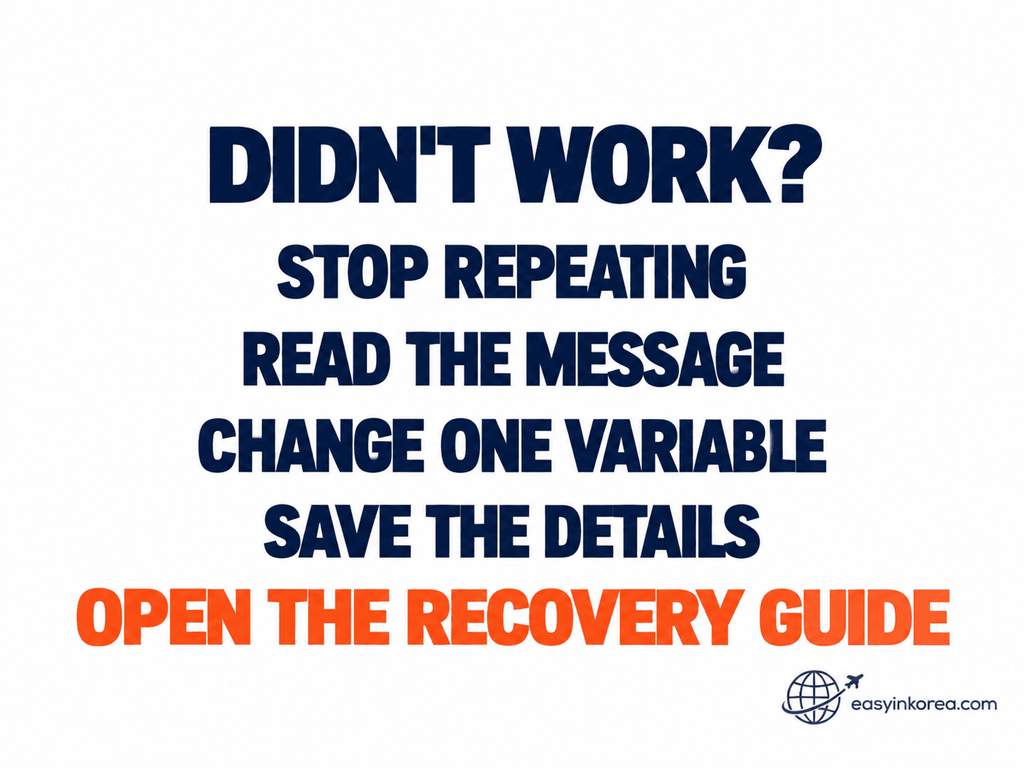
A declined card and an account debit with no cash are different problems. Choose the matching recovery path below.
If Your Card Is Declined
Stop repeating the same transaction. Read the ATM message and change one variable.
Try another verified Global ATM in this guide, use another card, or check with your card issuer.
If You Were Debited but Received No Cash
Treat this as a different problem.
Save the ATM location, bank or operator, approximate time, attempted amount, receipt if available, and any error or transaction message.
Need Help Finding or Using the ATM?
A short translated message can help if you need assistance from bank, station or building staff.
Use your preferred translation, voice or conversation mode. Show the translated text on your screen together with the bank name, address or ATM message when useful.
For the tower option, you can show: 하나은행 롯데월드타워금융센터 12층.
Never show or share your card PIN.
7. Final Check Before You Leave
Complete four simple checks before walking away from the ATM.
Make sure you have your card and cash. Check the amount and take the receipt if you need it.
Frequently Asked Questions
These quick answers cover common questions about using an ATM in Jamsil with a foreign card.
Where Can I Find a Global ATM in Jamsil?
This guide compares three bank-listed Global ATM locations: Woori Bank Jamsil Station Financial Center, Hana Bank Jamsil-yeok Banking Center, and Hana Bank Lotte World Tower Banking Center.
Which ATM in Jamsil Should I Use?
Choose by your current location and access route. Do not assume that the first option on this page is the closest or easiest option for you.
Is There a Global ATM in Lotte World Tower?
Hana Bank’s Global ATM search includes Lotte World Tower Banking Center at 300 Olympic-ro. The banking-center location is on the 12th floor. Check the actual ATM before using your foreign card.
Will Every Foreign Card Work at a Global ATM?
No. A Global ATM listing does not guarantee acceptance of every foreign-issued card. Check the actual machine, your card-network information and the transaction result.
What Should I Do If My Card Is Declined?
Stop repeating the same transaction. Read the message, change one variable and try another appropriate ATM or another card. Contact your card issuer if necessary.
Ask an AI Travel Assistant
An AI travel assistant can help you compare the verified destinations in this guide from where you are now.
Tell your AI travel assistant which Jamsil landmark you can see and what you need to do next.
Use the verified destinations in this guide as the location evidence. Do not rely on a newly generated ATM location that has not been checked.
Official Sources and Evidence
Global ATM evidence and navigation evidence answer different questions.
Woori Bank Global ATM Search
Used to identify Jamsil Station Branch at 269 Olympic-ro, Songpa-gu, Seoul as a Global ATM location.
Hana Bank Global ATM Search
Used to identify Jamsil-yeok Banking Center at 299 Olympic-ro and Lotte World Tower Banking Center at 300 Olympic-ro as Global ATM locations.
Physical Location Cross-Check
Korean place names, road addresses, lot numbers and useful building details were checked separately so that Global ATM evidence is not confused with navigation evidence.
ATM LOCATION ≠ GLOBAL ATM CONFIRMATION ≠ FOREIGN CARD GUARANTEE
Conclusion
Finding an ATM in Jamsil is easier when you start from where you already are.
Start from Jamsil Station, Lotte World or Lotte World Tower, then compare the three Global ATM locations from your current position.
Walk to the selected destination, identify the actual ATM, check your card-network information and review the transaction details before withdrawing Korean won.
If the ATM does not work, stop repeating the same transaction and move to the recovery path.
Related Guides
Need cash somewhere else in Seoul? Continue with another Easy in Korea ATM guide for the area you are visiting next.